

Skip to content
The Peachy Life
Get the appRequest a free invite
Wearables and health data

Your body,
in the story of your week.

Apple Health on iPhone or Health Connect on Android. Read-only, and optional.

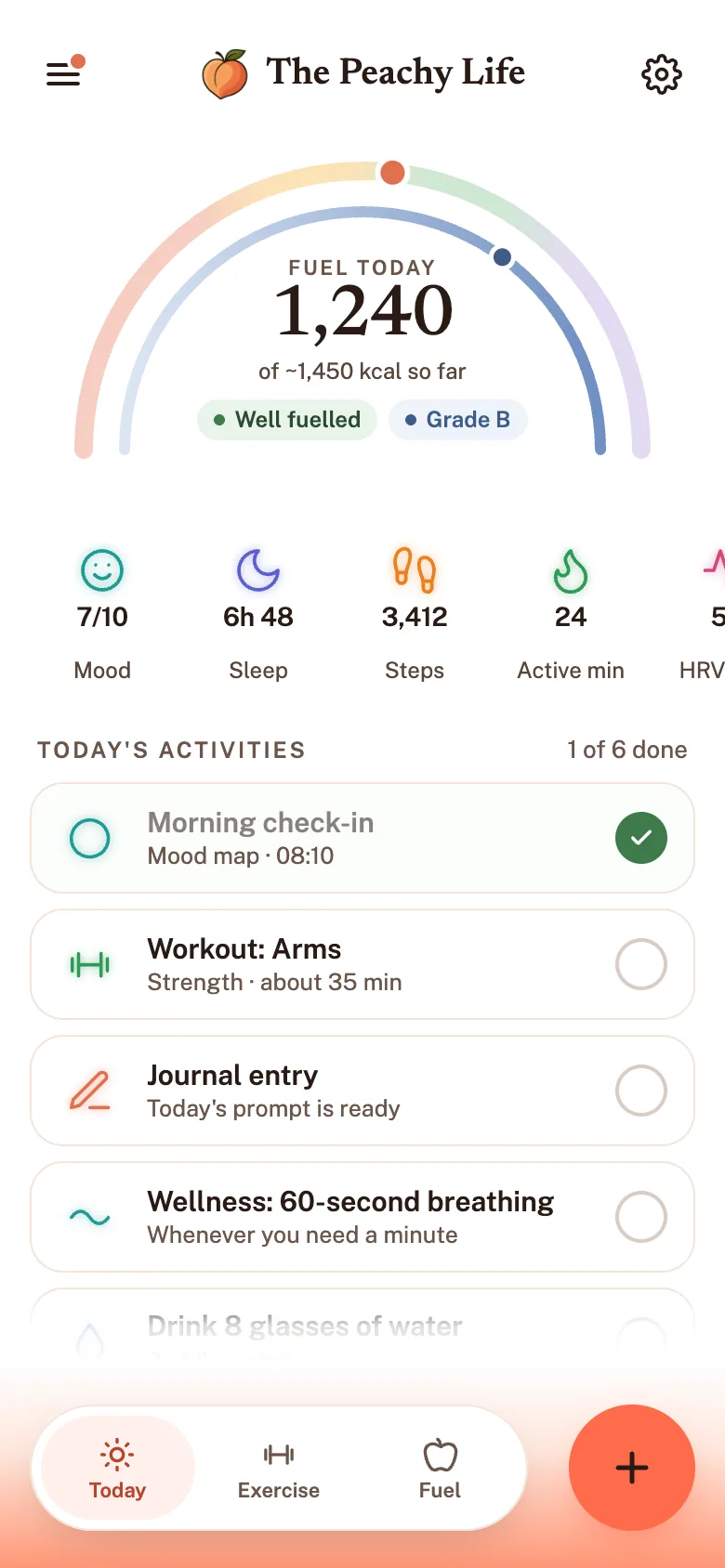
The Peachy Life home screen, with fuel, mood, sleep and steps for the day
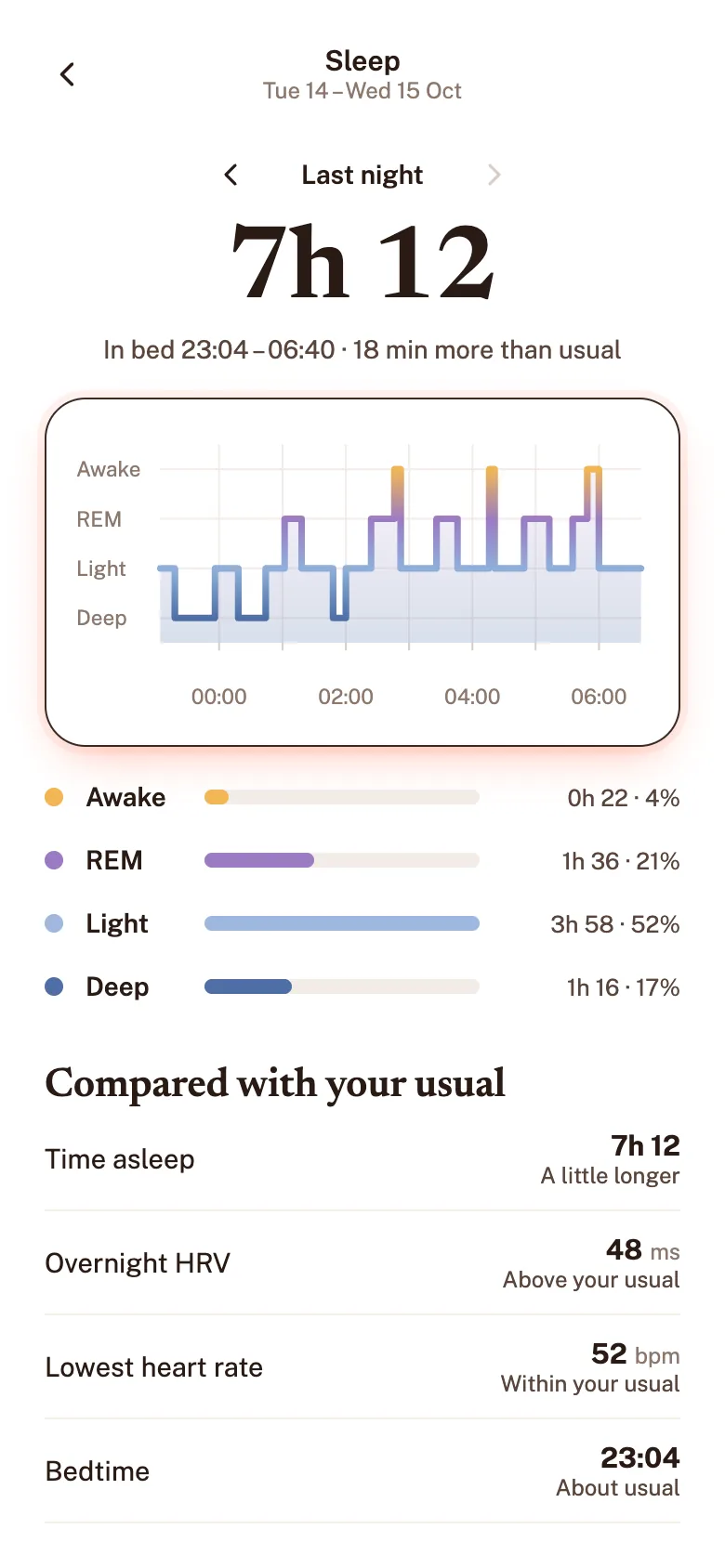
The sleep screen, showing last night’s sleep and its stages
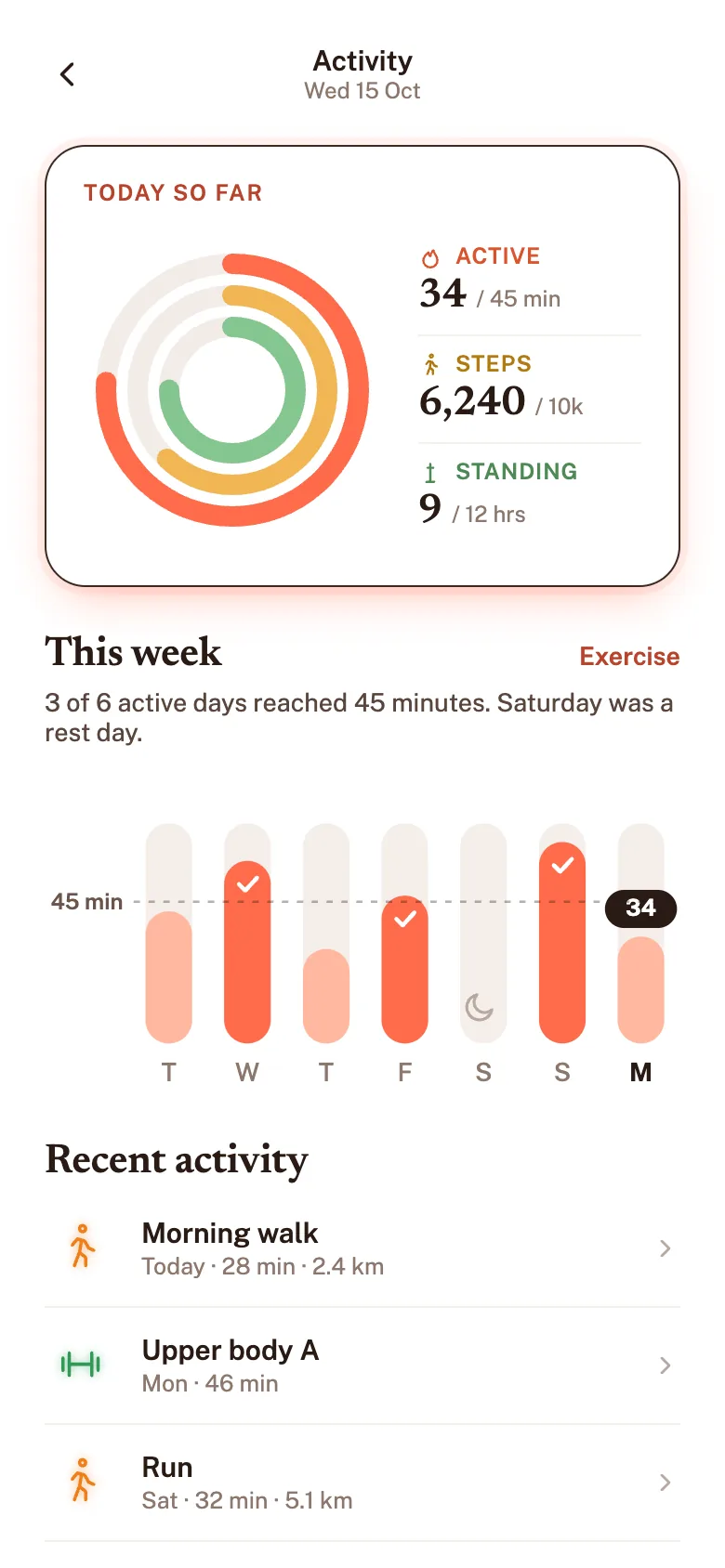
The activity screen, with steps and active minutes
The phone cycles through Today, Sleep and Activity screens with health data from Apple Health.
Apple Health
Health Connect
One way in
Nothing written back

With your permission: sleep, steps, heart rate, resting heart rate, HRV, exercise and energy burned.

Energy burned is activity context, never a calorie target.

The connection, in four lines

Reads what you allow. Only the types you switch on.
Writes nothing back. Never adds, edits or deletes.
Never sold. Never used for advertising either.
Optional, always. Mood and journal work alone.

Why connect health data at all?

How you slept and how much you moved often show up in how your week felt. Most people keep those numbers in one app and their feelings in another. Connecting them lets your weekly insight put a short night next to a heavy day, without claiming one caused the other.

Example week
Example week: hours of sleep and logged mood out of 100, Monday to Sunday
DaySleepMood
Monday7.5h66
Tuesday6.0h50
Wednesday7.8h70
Thursday5.5h46
Friday7.2h62
Saturday8.2h72
Sunday6.1h52
A short night, next to a heavy day.
How weekly insights work

Three steps. You choose every one.

Change or disconnect any time.

  1. Pick your health app.

    Settings › Integrations. Apple Health or Health Connect.

  2. Choose what to share.

    Your phone asks. Allow only what you like.

  3. That's it.

    It shows up in your Sunday insight.

THE LINES WE DON'T CROSS

What it never does.

  • Never Writes to your health app
  • Never Sells or advertises
  • Never Diagnoses

Quick answers.

Is there a wellness app that syncs your health data and journal in one place, without therapy-style language?

Yes: The Peachy Life. It connects the sleep, steps and heart-rate data you choose to share from Apple Health or Google Health Connect with your journal and mood check-ins, then writes about them in plain, hedged language. It is wellness, not therapy: no clinical labels, no scores, and it never diagnoses.

Which health apps does The Peachy Life connect to?

Apple Health on iPhone and Google Health Connect on Android. Through them, The Peachy Life can read data from many watches, rings and phones that already write to those apps. Connecting is optional, and the app works fully without a wearable.

Does The Peachy Life write anything back to my health app?

No. The Peachy Life only reads the data types you allow. It does not add or change anything in Apple Health or Google Health Connect.

What does The Peachy Life do with my health data?

It adds physical context, like sleep and movement, alongside your mood and journal entries, and uses it in your weekly insight. Health data is never used for advertising and never sold.

Can I stop sharing health data later?

Yes, at any time. You can turn off individual data types, or disconnect entirely, from the app’s settings or from your phone’s own health app. When you connect a wearable, the setting that lets the AI use summaries of that data is on by default, and you can switch it off separately.

About that setting

Bring your week together.

Private beta on iPhone and Android. Free during the beta, no card.

Which phone do you use?

One email when your invite is ready. Nothing else.

Wellness, not a crisis service. Struggling right now? Call Lifeline on 13 11 14 · more lines